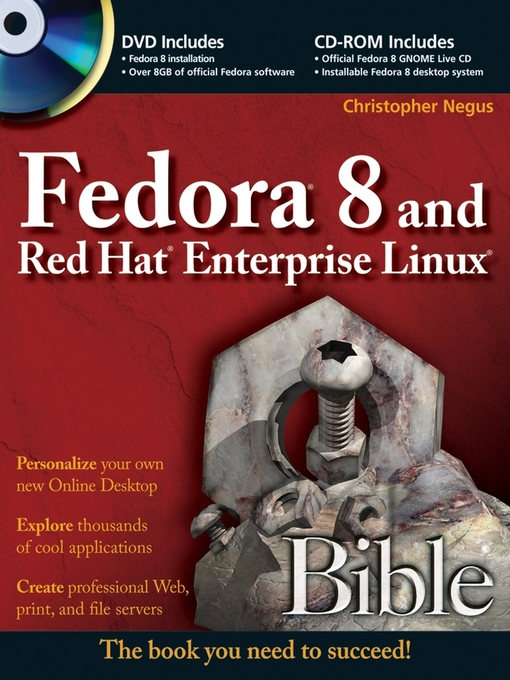
Freedom is a feature
With Fedora's new Online Desktop, you are free to shape your desktop environment to include the services, applications, and online friends you desire. As always, Fedora's total dedication to freedom lets you draw on thousands of free software packages to create the exact desktop or server computer you need.
Fedora puts together the software (provided here on CD and DVD). This book acts as a guide to everything from playing music and writing documents to configuring many powerful Web, file, print, DHCP, and database servers.
Customize Fedora or Red Hat Enterprise Linux to:
Manage and use documents, spreadsheets, presentations, music, and images
Try the new advanced PulseAudio sound server
Draw from online software repositories with Package Manager and Package Updater
Build an Internet server with e-mail, Web, DNS, FTP, and database services
Secure your computer with firewalls, password protection, and SELinux
Try out cutting-edge Fedora 8 features:
Use Codeina to get legal software to play MP3, Windows media, and other audio/video formats
Organize photos, music, friends, docs, and Web favorites in the new experimental Online Desktop
Explore the latest in KVM and QEMU virtualization and AIGLX 3D-desktop
What's on the DVD and CD-ROM?
System Requirements: Please see the Preface and Appendix A for details and complete system requirements.
Open for more!
Find ten cool things to do with Fedora
Run a Fedora 8 quick install
Add pop and power with Online Desktop and 3D acceleration
Organizing the people, places, and things you need on your desktop is now easier with the new GNOME Online Desktop. Get organized, then pile on some bling with 3D-accelerated desktop effects.
Put friends, photos, and fun on your new Online Desktop
Your favorite people and your online favorites are totally accessible from the new GNOME Online Desktop.
Play with 3D desktop animations
Continued improvements in 3D software let you rotate workspaces on a 3D cube, choose 3D minimize effects, and set 3D wobble effects.