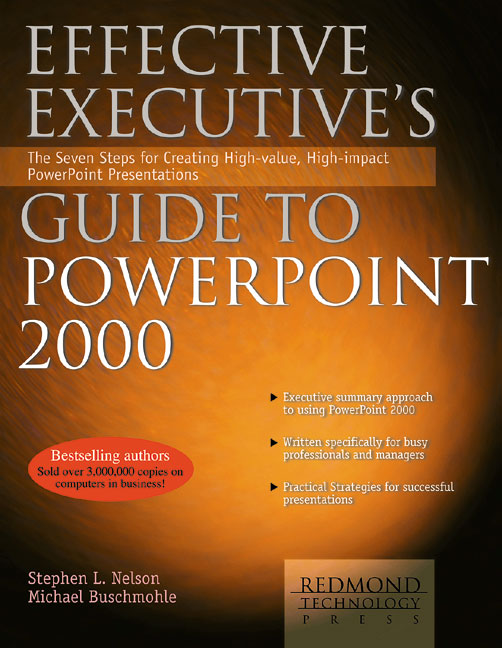
- Step 1: Learn the Logic. Start here with an overview of what PowerPoint is and how it helps you make better presentations.
- Step 2: Outline Your Content. Create a textual list, or outline, of the messages and points you want to share.
- Step 3: Add Objects. Use tables, charts, and pictures to augment the information in your outline.
- Step 4: Design Your Look. Move past the substance of your presentation and address its appearance and “look” to create a professional presentation.
- Step 5: Add Special Effects. Use transitions, animation, sound, and video to enhance your presentation’s impact.
- Step 6: Prepare Your Presentation. Prepare by creating speaker’s notes, rehearsing, producing any handouts, and tailoring your presentation’s slides for the presentation method.
- Step 7: Deliver Your Presentation. Deliver a successful, memorable presentation to your audience by comfortably using the appropriate PowerPoint tools.
- Decodables are here!
- No wait, no problems
- Great Picks for Beginning Readers
- Read Along With Me
- Animals Animals!
- Learning with Sesame Street!
- Read, read, read!
- See all ebooks collections
- No wait, no problems
- Audio adventures!
- Fun times on audio!
- Audiobooks you will LOVE!!
- Check these out!
- Popular titles
- See all audiobooks collections